Know what's due. Before it's late.
Plan it, log it in seconds, prove it when you sell. Your records stay on your phone: no account, no ads.
You're on the list. We'll email you once, at launch.
2019 Sedan
42,300 mi
Coming up
See what's due as time goes by
A sample 2019 sedan with a real service history. Choose how it's driven, then let time pass. Whichever comes first, the miles or the months, sets what's due. Log it to see it go back to All clear.
Notice the weekend car: its oil goes overdue on time, with hardly any miles on it. That's the one most apps miss.
2019 Sedan
42,300 mi
Coming up
All clear
Log a fill-up in seconds
Three fields. The clock starts at your first tap and stops when you save. Then you see what that tank did: miles per gallon, how it compares with your average, and what each mile cost.
Type something odd, like 2 gallons, and you'll get asked about it, not refused. You can keep it either way.
Log fuel
2019 Sedan · Regular
Fill-up saved
This fill-up
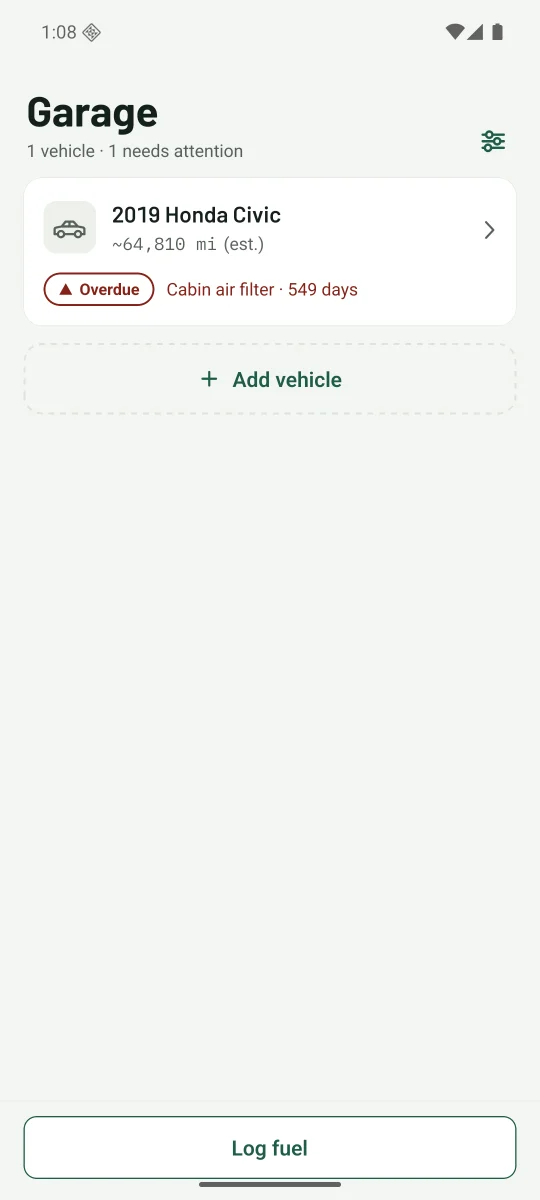
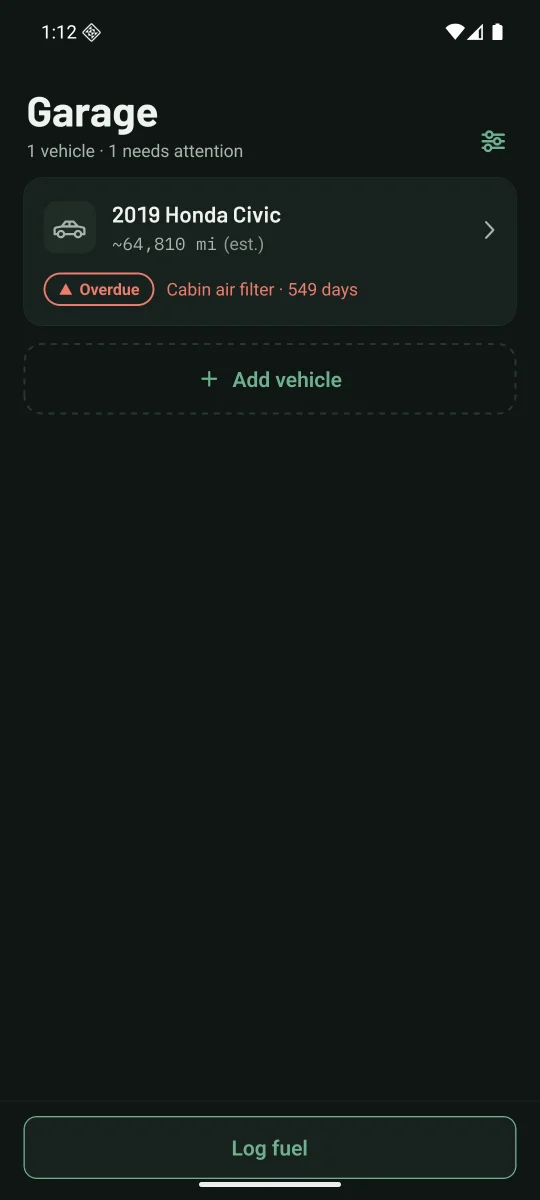
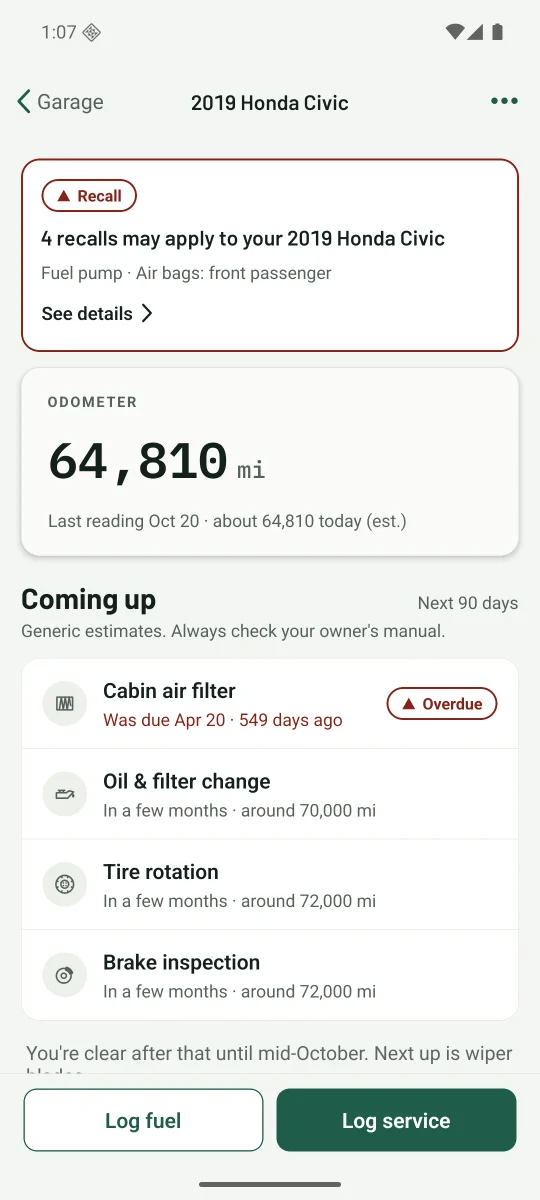
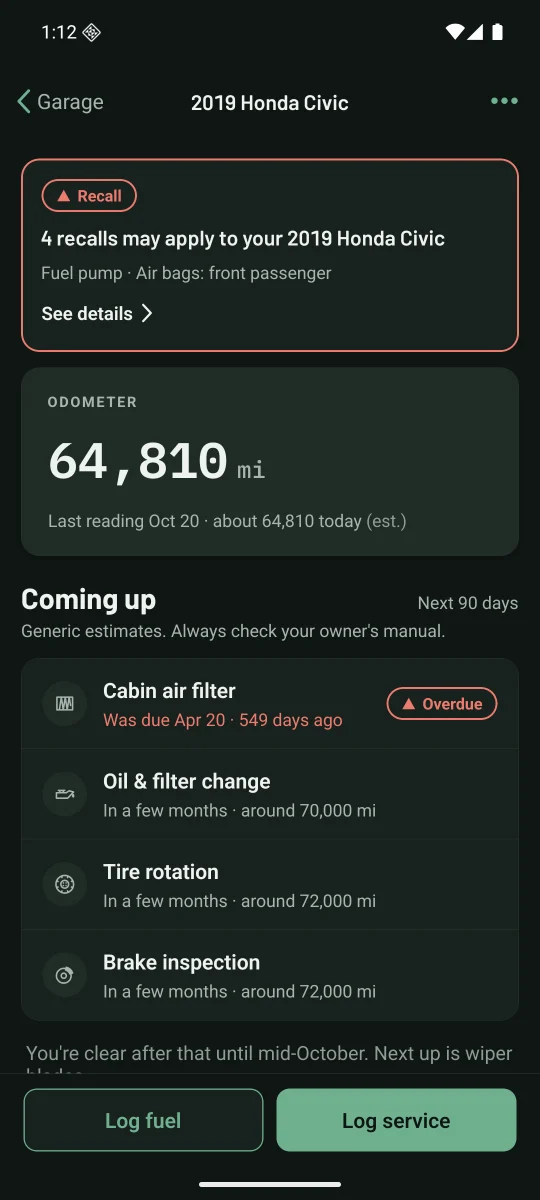
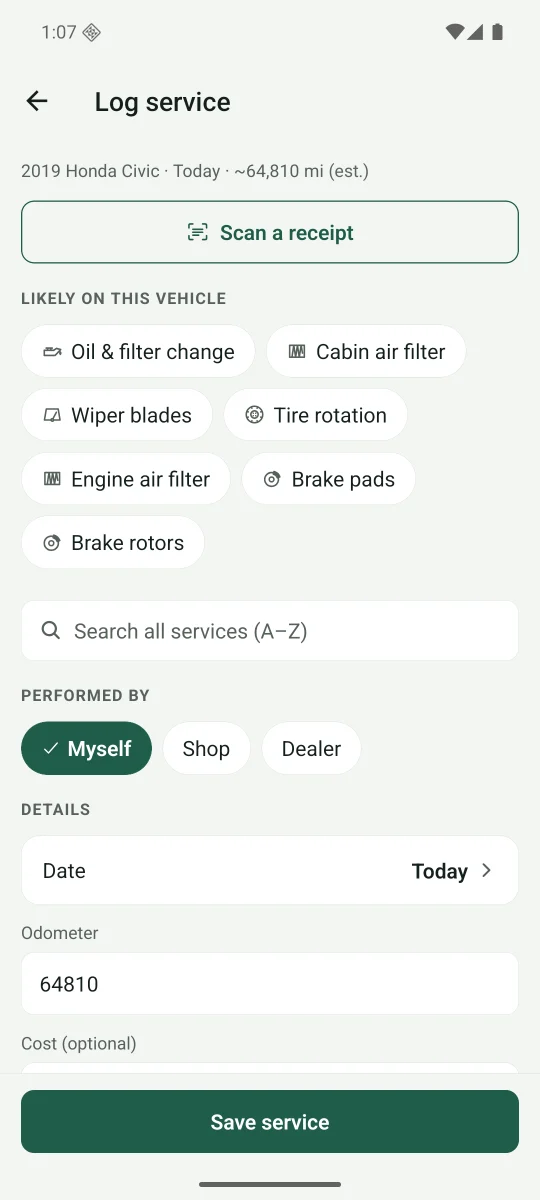
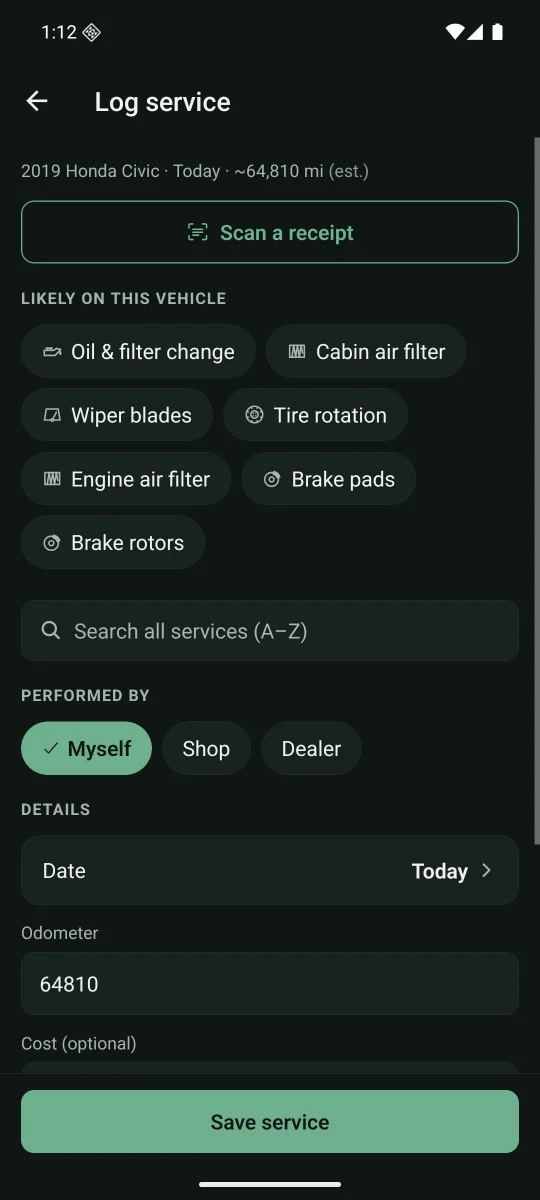
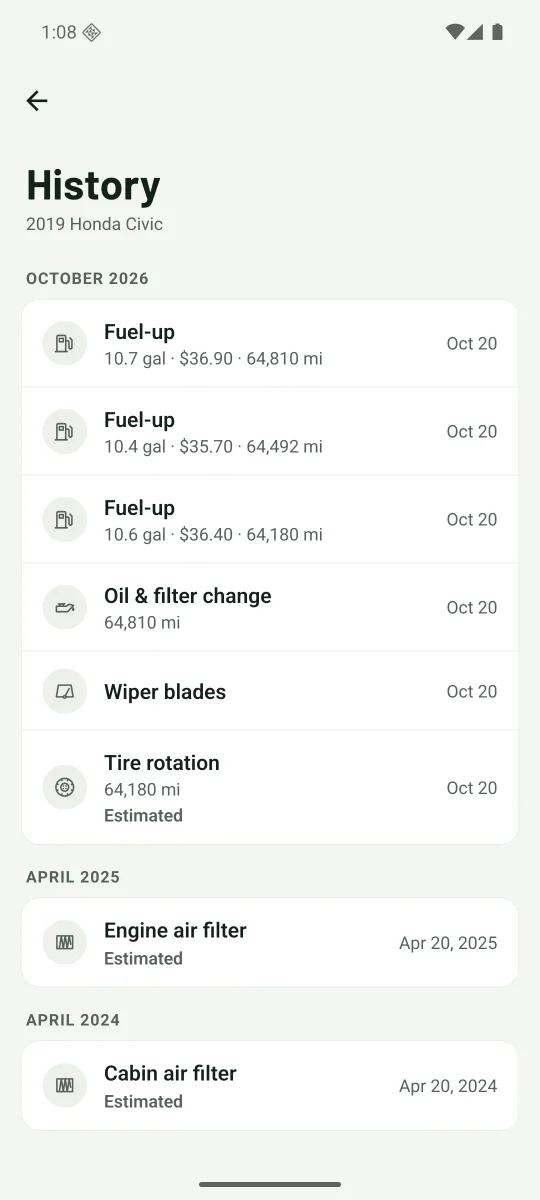
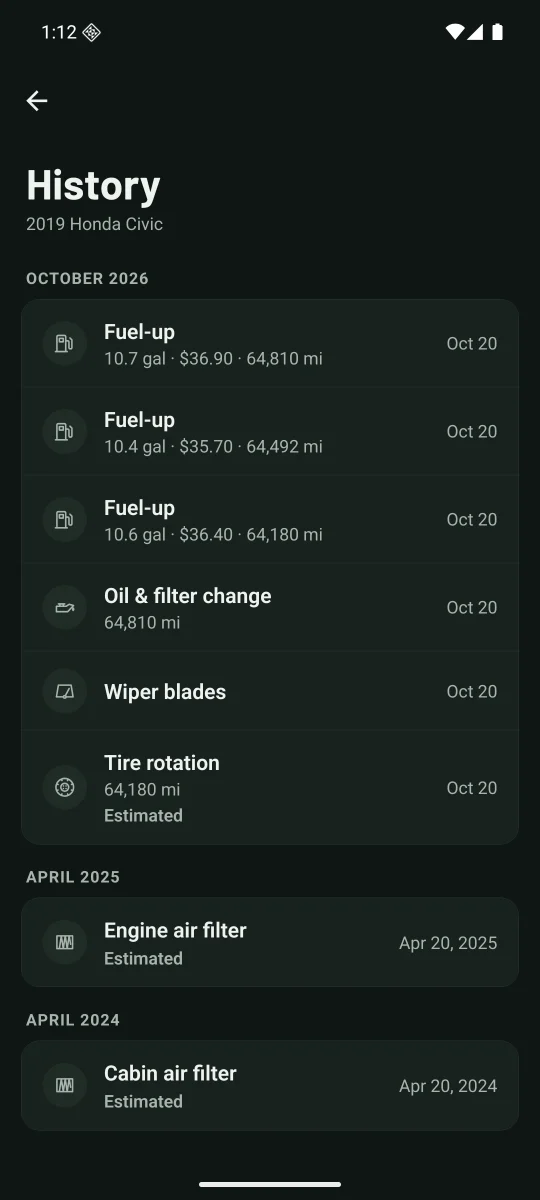
The app, as it is today
Real screens from the Android build. They follow the light or dark setting above.
Everything else it does
Scan the receipt
Photograph the shop receipt and the service fills itself in: date, mileage, cost and shop. The photo stays with the record.
A report for when you sell
One PDF of everything done to the car, with receipts marked. The VIN is masked, and insurance details are never included.
Recall alerts
Checks NHTSA for recalls on your vehicle's make, model and year, and tells you when a new one is published.
Reminders that don't nag
A notification shortly before something is due, at a sensible hour. Nothing more.
Registration and renewals
Registration, inspection, insurance and warranty dates live in the same list as the oil change.
Scan the VIN
Point the camera at the VIN barcode and the year, make, model and engine fill in.
Whatever it runs on
Gas, diesel, hybrid, plug-in and electric, in MPG, mi/kWh or MPGe. Cars, trucks and motorcycles.
Backups you keep
Save a backup file wherever you like, and restore it on a new phone in a minute.
- No account. Open it and start. There's nothing to sign up for.
- No ads. Not now, not later, and nothing about you is sold.
- Works offline. In the garage, at the pump, anywhere with no signal.
- Your records, on your phone. Not on our servers. You decide where backups go.
Why WrenchNote exists
I built this because most car apps were abandoned, ad-riddled, hard to use, harvesting your data, or overpriced for what they offered. This one isn't.
Good questions
When does it launch?
It's planned for the end of 2026. Join the waitlist and you'll get one email when it's out.
Which phones does it work on?
iPhone and Android. Web and tablet versions are planned for later.
What does it cost?
There's a free version, and Lifetime: a one-time purchase that adds more vehicles and every tracked item. Subscription plans will come later with more: anonymized hosted sync, sharing with family, and maintenance schedules from your vehicle's manufacturer instead of general ones. Whichever you choose, your data stays yours.
Where are my records kept?
On your phone. There's no account and nothing is stored on our servers. You can save a backup file wherever you choose.
Do I need an account?
No. Open the app, add your vehicle and go.
What happens when I get a new phone?
Make a backup in Settings, save it somewhere you can reach from the new phone, and restore it there. Receipt photos come along too.
Get one email when it launches
You're on the list. We'll email you once, at launch.